

Windows 11 features a QR code scanner.
Windows 11 QR code scanner:
Windows 11 has a
new feature in its camera application. I am running Windows 11
version 22000.556
in the developer channel on a Samsung Galaxy Book Flex Alpha. The
camera application has a QR code scanner.
How To Access
Scanner?
1. Make sure you are on the correct build. Do this by doing
Windows Key + R and typing “winver”
2. Open the camera application. If you do not see the QR code icon, check for updates.
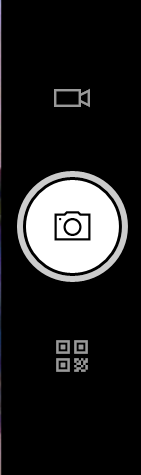
3. If
you see the QR code-shaped icon , click it!!
This QR code scanner is an interesting feature. If you ever have a
physical QR code on a printout at a coffee shop or another location and do not want to
pull out your phone to scan it.
Tech Talk To You Later!!


