

Canva Mockup Generator To Use The Colloquial Term Is ‘Cool’
Hello, this is TheTechBoy with a special review.
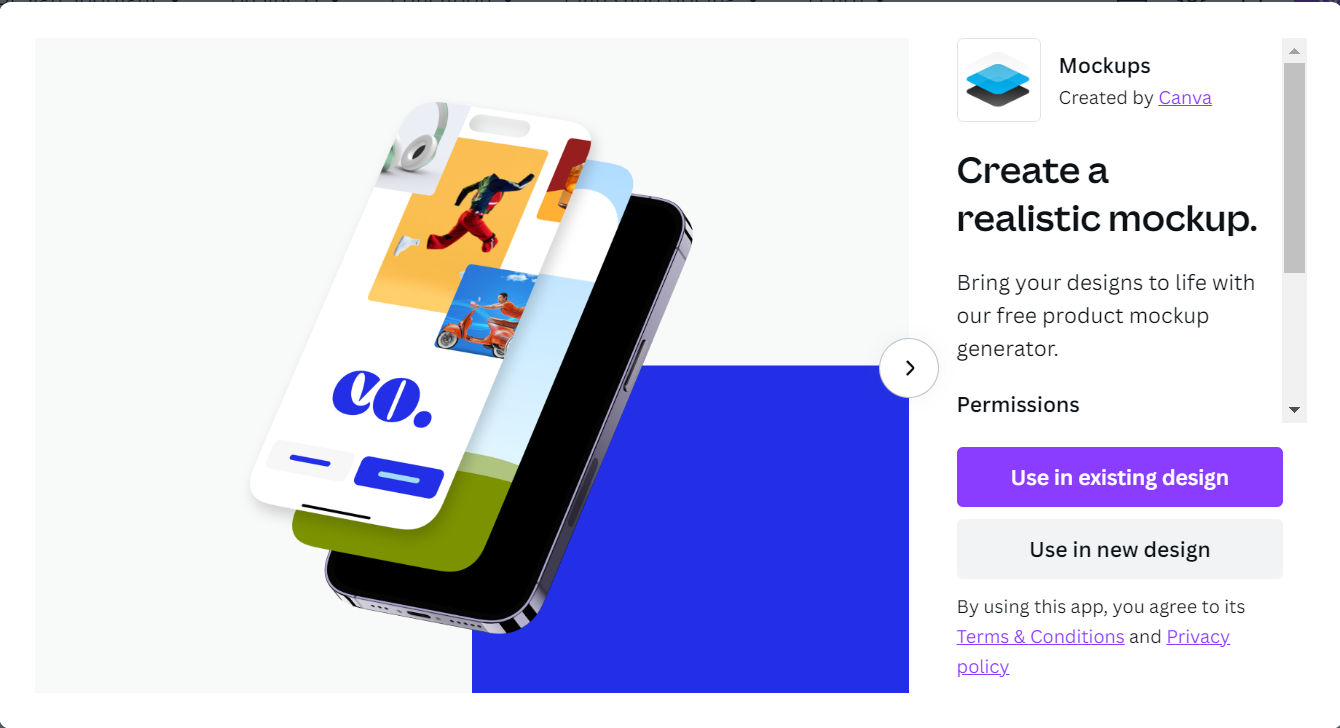
Canva Mockup Generator is a tool that lets you mockup an image of digital devices, bags, pillows etc. It is really easy to use and it its pretty good at mockups.
1. Go To Canva Mockups
This is the link. Select the type of post you are making on the right-hand side and create your design. This will open in a new tab.
2. Select Your Mockup
Your mockup is on the right side of the screen drag it onto your Canvas. Next, select a graphic or image in Canva and drag it into your image on the graphic that looks like this.

3. Edit And Publish
Create your content. Edit your image and download your mockup. This is really interesting and I hope to see a Canva-like software come offline someday. God Bless and Tech Talk To You Later


