
Skip to content
TheTechBoy
TheTechBoy

  • Verse of The Day
  • About Us
    • Wiki (beta)
  • Podcast
  • Teen
  • All Press Releases
TheTechBoy

How To Change Samsung News to Google News Feed.

TheTechBoy, September 30, 2025

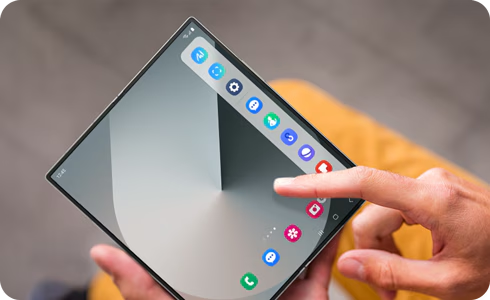
        Sometimes you may want to change up your news feed. I like to set mine to Samsung News because I can access the Discover Feed from the Google app. But if you want a more native feel on your Samsung phone, you can do it in just a few simple steps.

  1. Go to your phone’s home screen and pinch in (or press on an empty area of the screen) like you’re about to change the wallpaper.

  2. Swipe right. This will bring up a setting that asks what you want on the media page.

  3. Select Google Discover and then press the home button.

God bless and Tech Talk To You Later!!!
Uncategorized News

Post navigation

Previous post
Next post

Leave a Reply Cancel reply

Your email address will not be published. Required fields are marked *

This Week In TheTechBoy Podcast

Popular Posts

  • How To See How Much Ram A Tab Is Using In Chrome
  • Samsung: Cancel the Edge, Improve the Flip
  • I started a YouTube Shorts Experiment. Come Back For Updates.
  • Creationists Unite! Answers in Genesis Releases AI Program to Defeat Evolution!
  • How to remove blemishes from your face with a Samsung Phone.
  • Imagination Is The Biggest Sponsor

©2026 TheTechBoy | WordPress Theme by SuperbThemes