
Hello, this is TheTechBoy with a special tutorial.
Get This effect. On your Phone
 On your Phone
First, open Samsung Gallery and click the pen icon to edit your photo. Then click the horizontal bar.

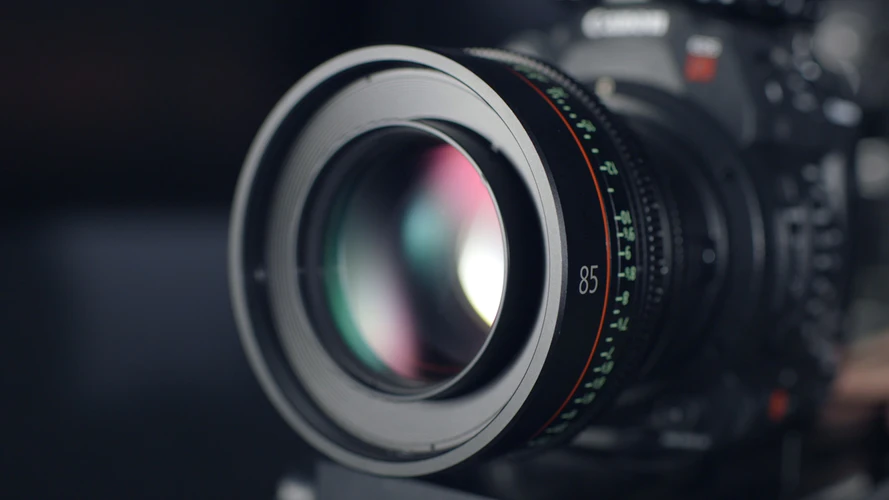
This bar can rotate an image horizontally or vertically 45 degrees. If you want your image to look like the one in the image click the horizontal bar and move the slider left or right.
If you have enjoyed this Samsung series please comment on this post. More Samsung tips and tricks will be coming soon.
God Bless,
TheTechBoy
Leave a Reply